> ## Documentation Index
> Fetch the complete documentation index at: https://docs.dojima.foundation/llms.txt
> Use this file to discover all available pages before exploring further.
# Build and Deploy
## Deploy your Rollup
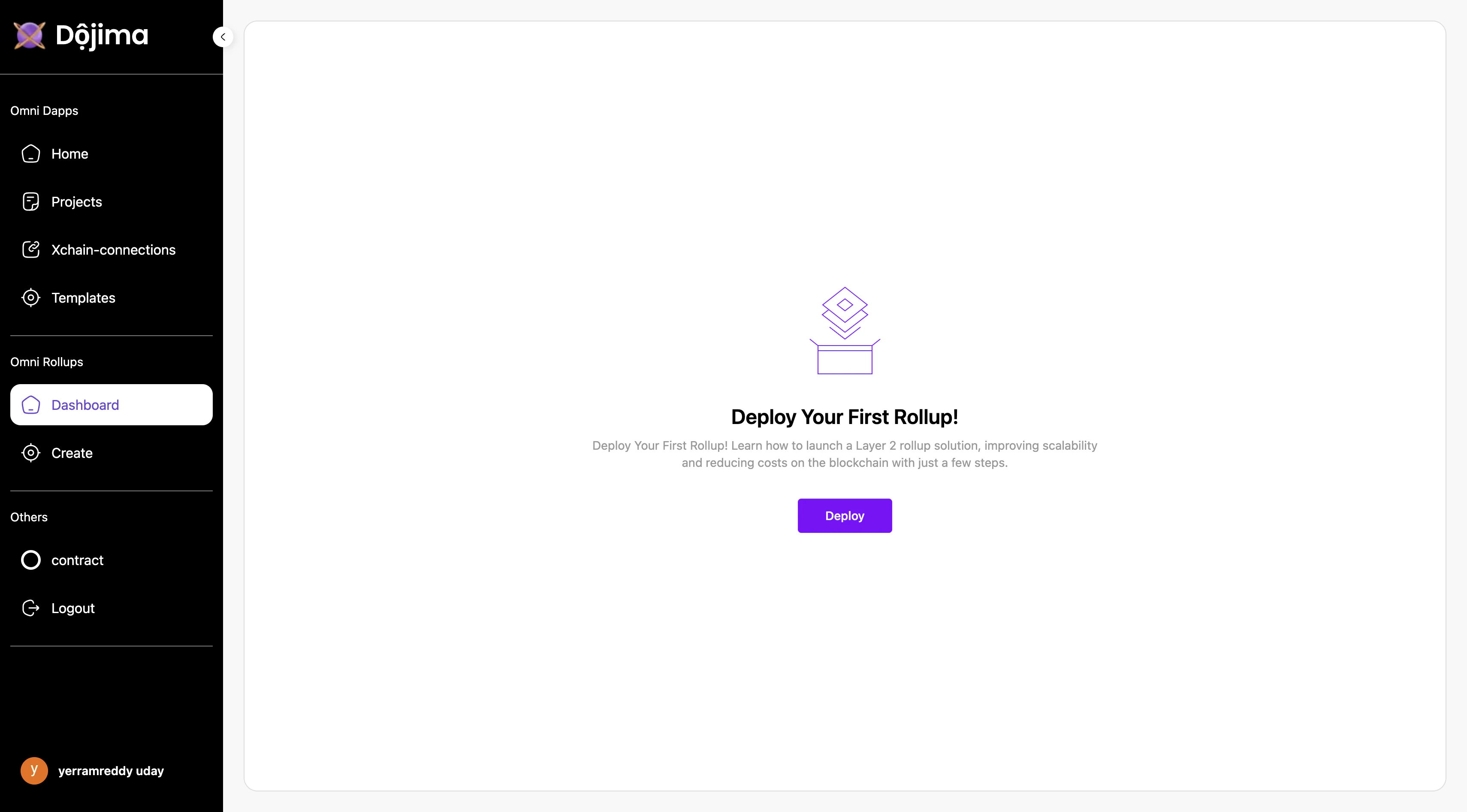
The **OmniRollups** section enables users to create and deploy new rollups. If no rollup has been created yet, users can initiate a new rollup from the **Create** section.
### Steps for Deployment:
Head over to the official [Builder Marketplace](https://developer.dojima.network/) & click on "Deploy"
1. **Deploy New Rollup**: Click on the **Deploy** button to start the process.
 2. **Enter Required Information**:
* **Project Name**: Enter a unique name for the rollup.
* **Chain ID**: A 6-digit Chain ID is generated automatically for each new rollup.
2. **Enter Required Information**:
* **Project Name**: Enter a unique name for the rollup.
* **Chain ID**: A 6-digit Chain ID is generated automatically for each new rollup.
 * **Framework**: Select the rollup framework.
* **Settlement Layer**: Choose list of settlement layers where the rollup will interact.
* **DA Layer**: Select a Data Availability (DA) layer for secure data storage.
* **Environment**: Select the environment for deployment.This includes Testnet and Mainnet(available soon)
* **Framework**: Select the rollup framework.
* **Settlement Layer**: Choose list of settlement layers where the rollup will interact.
* **DA Layer**: Select a Data Availability (DA) layer for secure data storage.
* **Environment**: Select the environment for deployment.This includes Testnet and Mainnet(available soon)
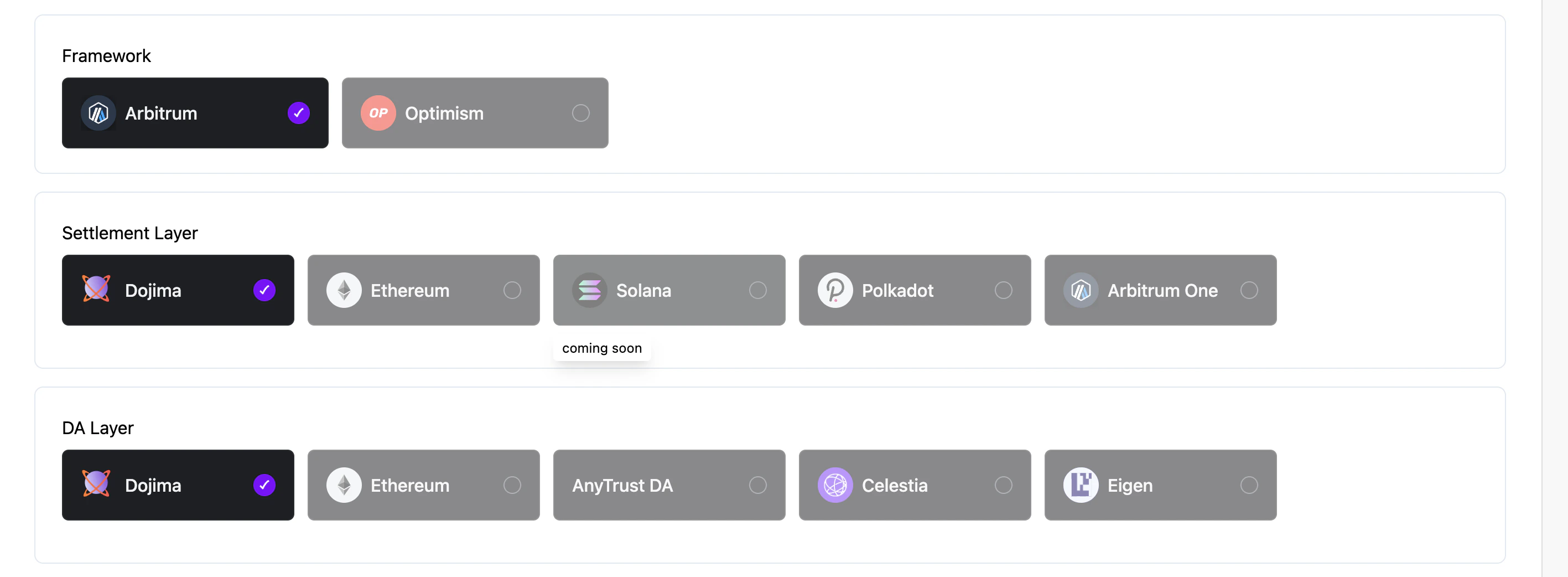 * **Note**: Currently only aribitrum rollup on top of dojima chain is supported.
3. **Continue and Deploy**: Once all inputs are configured, click on **Continue** to initiate rollup creation. Deployment will take a few moments to complete.
This process will set up a new rollup with the specified configurations on the selected framework and da layer.
## Dashboard Preview
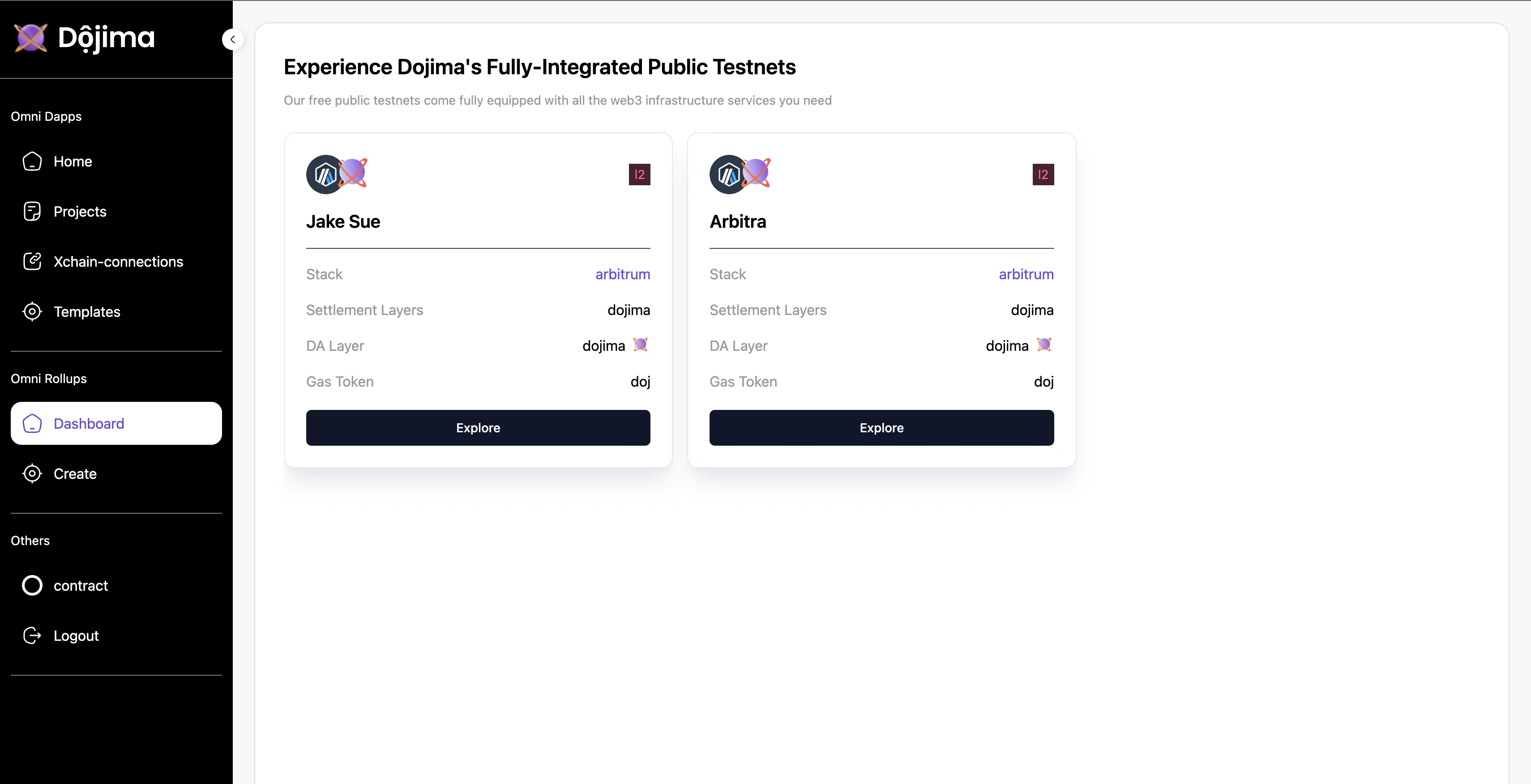
The **Dashboard** section provides an overview of all rollups created by the user. Each created rollup can be managed and explored in detail from this section.
* **Note**: Currently only aribitrum rollup on top of dojima chain is supported.
3. **Continue and Deploy**: Once all inputs are configured, click on **Continue** to initiate rollup creation. Deployment will take a few moments to complete.
This process will set up a new rollup with the specified configurations on the selected framework and da layer.
## Dashboard Preview
The **Dashboard** section provides an overview of all rollups created by the user. Each created rollup can be managed and explored in detail from this section.
 ### Exploring a Rollup
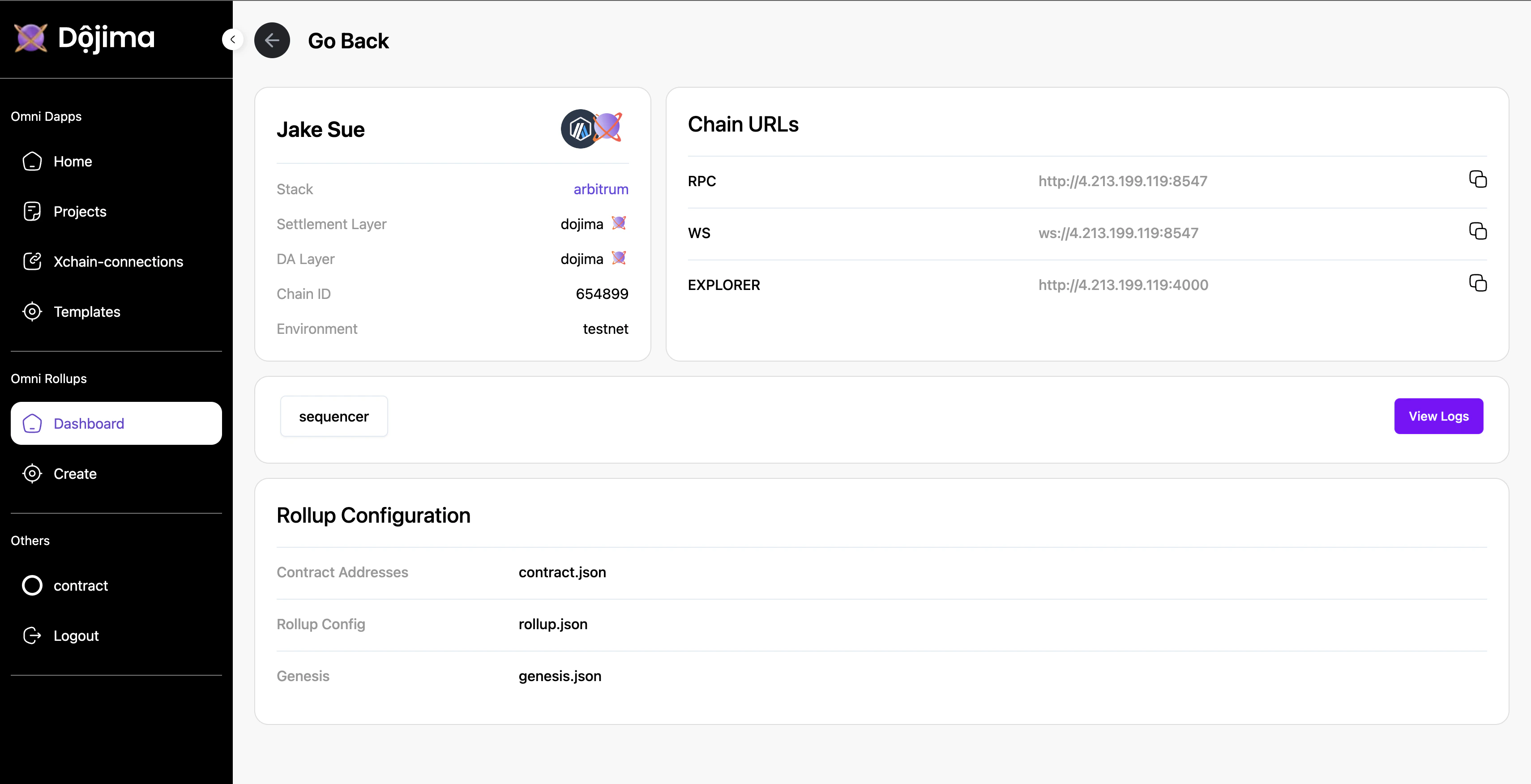
By clicking on **Explore**, users can view detailed information about a specific rollup.
* **Details**
* **Chain URLs**
* **Rollup Configuration**
* **View Logs**
### Exploring a Rollup
By clicking on **Explore**, users can view detailed information about a specific rollup.
* **Details**
* **Chain URLs**
* **Rollup Configuration**
* **View Logs**